To get here, I logged in and selected Edit site. I then selected Page and the + icon to create a new page. Enter a name for your new page.
I dragged Text (old) to get to get an empty text box, then typed and increased the font size to Medium using the TT icon.
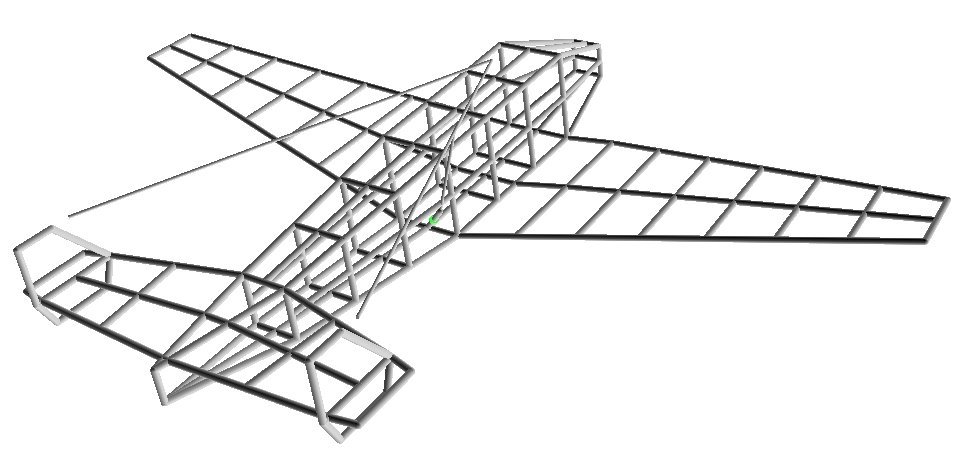
To insert an image, click the image icon (looks like a computer display screen). It'll go to Files. Find the image you want to insert, click on it, then collect Select. I picked the image below, but I can't remember how to resize it.
When you're done, select Save, then Publish, and it'll be on the web with whatever you named your Yola site and with the URL ending in whatever you named the page. (The complete URL will automatically end in .php.)